Workable WordPress plugin · $69/year
Your Workable jobs, on your own website
A WordPress plugin for Workable: real job pages on your domain, Google for Jobs markup and on-site applications, set up with your account subdomain in under a minute.
How Workable puts your jobs online today
Workable gives you three ways to show jobs to candidates. Each one leaves something out.
Hosted careers page
What you get
Your jobs at apply.workable.com/your-company/
What is missing
The pages live on Workable's domain, so search traffic and links build up there, not on your site. A custom domain is only available on the Premier and Enterprise plans.
JavaScript widget
What you get
A job list embedded in one of your pages
What is missing
Every job sits inside one page. There is no URL per job for Google to index or for you to share. (Workable's small WordPress download wraps this same widget.)
The API
What you get
Anything you can build
What is missing
Workable's own help centre says this route "demands a full website team including front-end developers".
Workable Jobs for WordPress is the API route, already built. Each job becomes a real WordPress page on your domain, with its own URL, search markup and application form.
What the Workable WordPress plugin adds
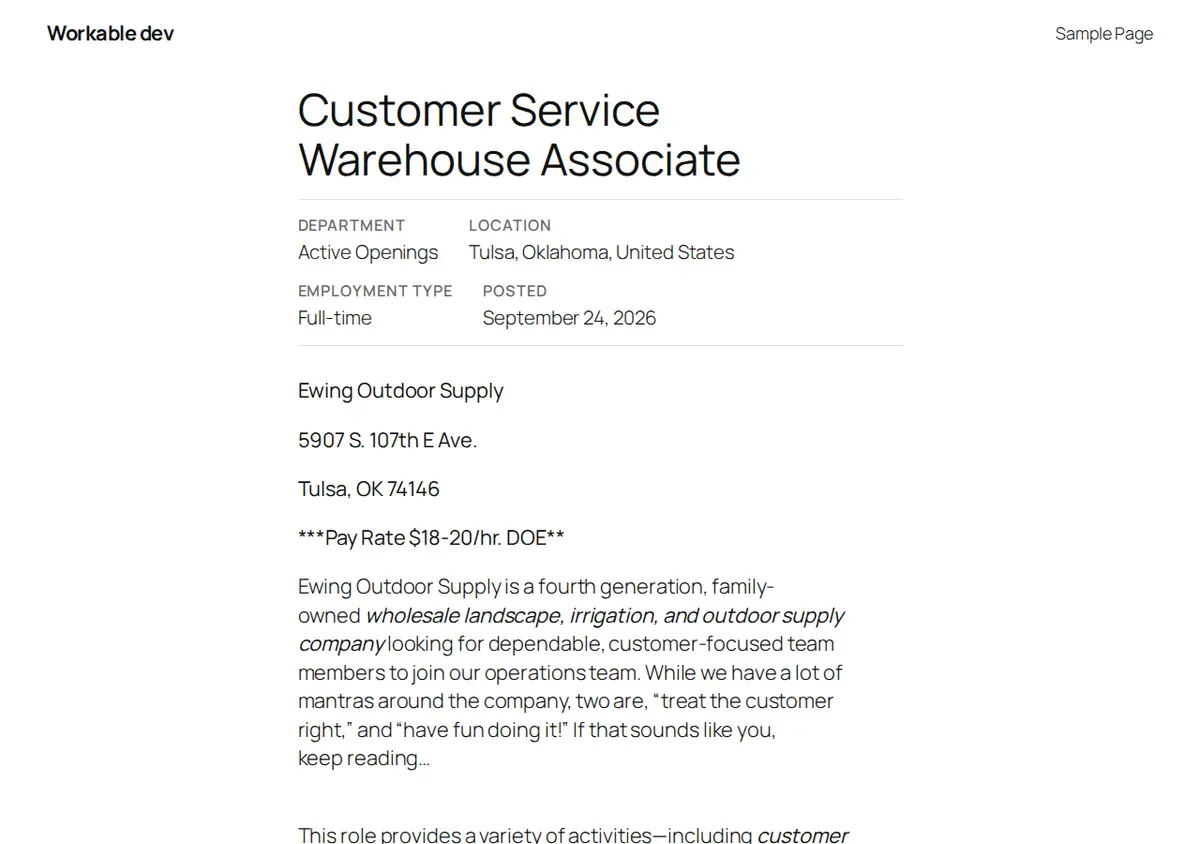
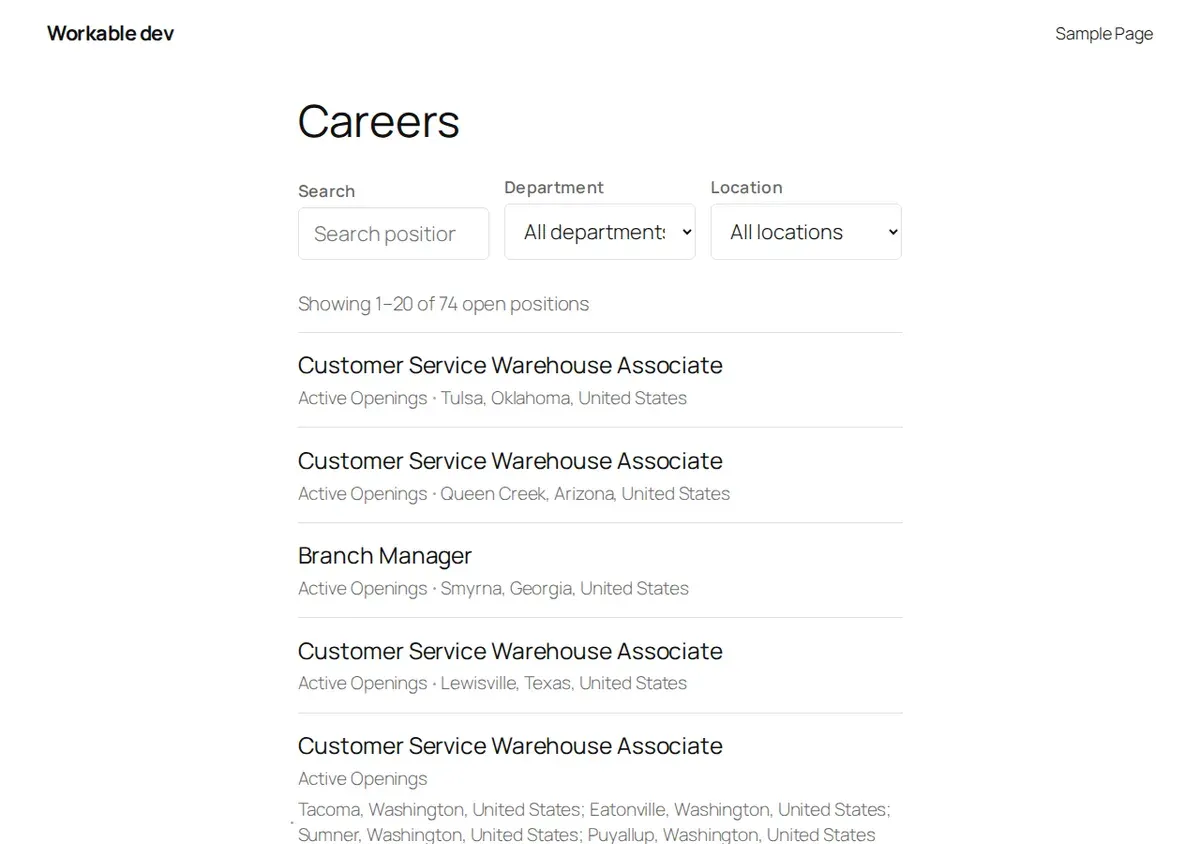
Job pages on your domain
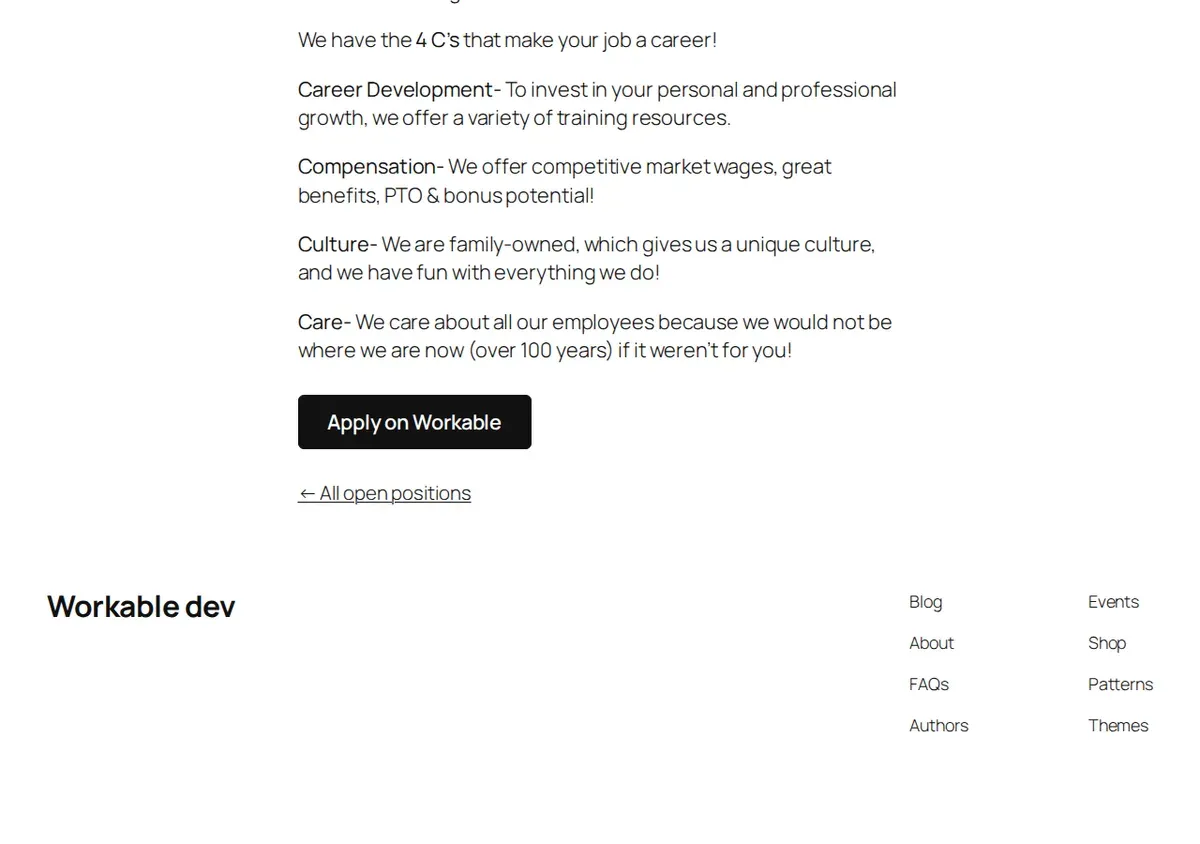
yoursite.com/jobs/branch-manager-b4e3109622/, and sits in your site's navigation, menus and search like any other page. Job list with filters
Google for Jobs markup
JobPosting structured data: title, description, date posted, employment type, locations or remote, and your organization. Jobs in your sitemap
Blocks and shortcodes for every piece
11 overridable templates
On-site applications
Spam protection
Application log
Automatic sync every 30 minutes
Set up in under a minute
- 1
Install and activate the plugin.
- 2
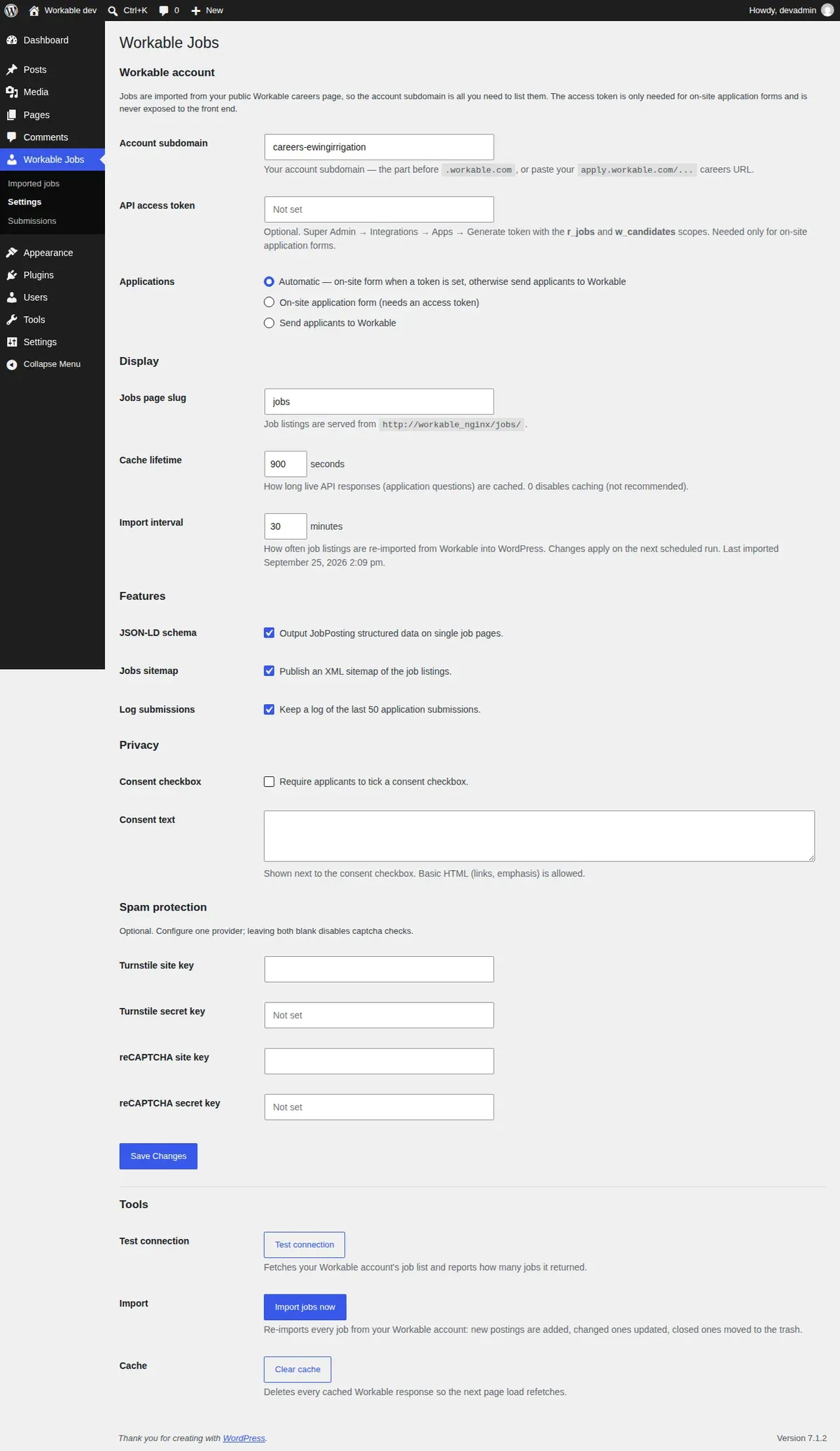
Type your Workable account subdomain, or paste your careers page URL, into Workable Jobs → Settings and save.
- 3
Your jobs are live at
yoursite.com/jobs/.
Applicants are sent to Workable's own application form until you add an API token. Add one and the application form moves onto your site.
Pricing
$69 / year
single site
-
One WordPress site
-
One year of updates and support
-
14-day refund
Questions, answered.
Is there an official Workable WordPress plugin?
Workable itself offers only a small WordPress download that wraps its JavaScript job widget so you can paste it into a single post or page. It creates no job pages, no URL per job, no JobPosting structured data and no on-site application form.
Workable Jobs for WordPress is an independent plugin for Workable, built on the Workable API. It imports your jobs as real pages on your own domain, with their own URLs, Google for Jobs markup and, with an API token, on-site applications. It is made by w4dev, not by Workable.
Do I need an API token?
Only for on-site application forms. Listing your jobs, the job pages, filters, search markup and sitemap all work with your account subdomain alone. Without a token, the apply button takes candidates to Workable's hosted application form.
Which Workable plans does it work with?
All of them. The plugin reads your public job list, which every Workable account has. API tokens for on-site applications are also available on every plan.
Does it slow my site down?
No. Jobs are copied into WordPress on a schedule, and your pages read them from your own database. A visitor viewing a job list or job page does not trigger a call to Workable. The one exception is the on-site application form, whose questions are fetched from Workable and then cached for an hour.